The best tablets for students vary by discipline. Devices such as the Teclast T60, which handle everyday learning tasks smoothly, are appropriate for general students. Lenovo Xiaoxin Pad Pro, with its stronger chip and active stylus, could be a wise choice for Medical students. Engineering students should choose the OnePlus Pad Lite for its powerful processors and large screen, ideal for CAD viewers and multitasking.
Selecting tablets for studies seems easy until you compare specs. Screen size, stylus support, processor speed, and battery life matter differently for each course.
Read on to see how each tablet handles exams, long reading sessions, and heavy files. You will also learn which features are worth the extra cost and which ones you can skip.
Top Student Tablets by Discipline (Quick Comparison)
These 9 tablets fit every budget and study need. Some are cheap and simple for everyday coursework. Others are powerful enough for medical imaging and engineering design.
Note: Price may vary over time, so please check the latest price before ordering.
Best Tablets for General & School Students (E-Learning & Reading)

Teclast T60, Honor Pad X8b, and Amazon Fire HD 10 are ideal for normal students. They offer large, clear displays for reading and classes, solid battery life for full study days, and budget-friendly prices. With capable performance for e-learning apps and media, these writing tablets for students meet everyday needs without unnecessary cost.
1. Teclast T60 (LTE)

The Teclast T60 (LTE) is a practical choice for normal students. Its huge display makes online classes, reading, browsing, and watching lessons comfortable.
Teclast T60 (LTE) Unisoc T620 8GB RAM 256GB ROM 11.97 Inch Grey Tablet
Unisoc T620 8-Core
8GB RAM
256GB Storage
11.97 Inch IPS Display
8000mAh Battery
4G LTE
Special Price
Tk 28,500
Regular Price: Tk 30,920
BUY NOW
Note: Price may vary over time, so please check the latest price before ordering.
LTE connectivity also lets you stay connected when Wi-Fi isn’t there.
Key Features
Note: Price may vary over time, so please check the latest price before ordering.
2. Honor Pad X8b (Wi-Fi)

The HONOR Pad X8b is an appropriate tablet for students who need a device for regular study and daily use. Its large 11-inch screen gives students more room for notes, PDFs, online classes, and browsing.
Honor Pad X8b (Wi-Fi) 4GB RAM 128GB ROM 11 Inch Display Space Gray Tablet
Snapdragon 680
4GB RAM
128GB Storage
11 Inch IPS Display
90Hz Refresh Rate
10100mAh Battery
Special Price
Tk 23,000
Regular Price: Tk 24,960
BUY NOW
Note: Price may vary over time, so please check the latest price before ordering.
The device also performs smoothly while playing videos and staying connected for long.
Key Features
Note: Price may vary over time, so please check the latest price before ordering.
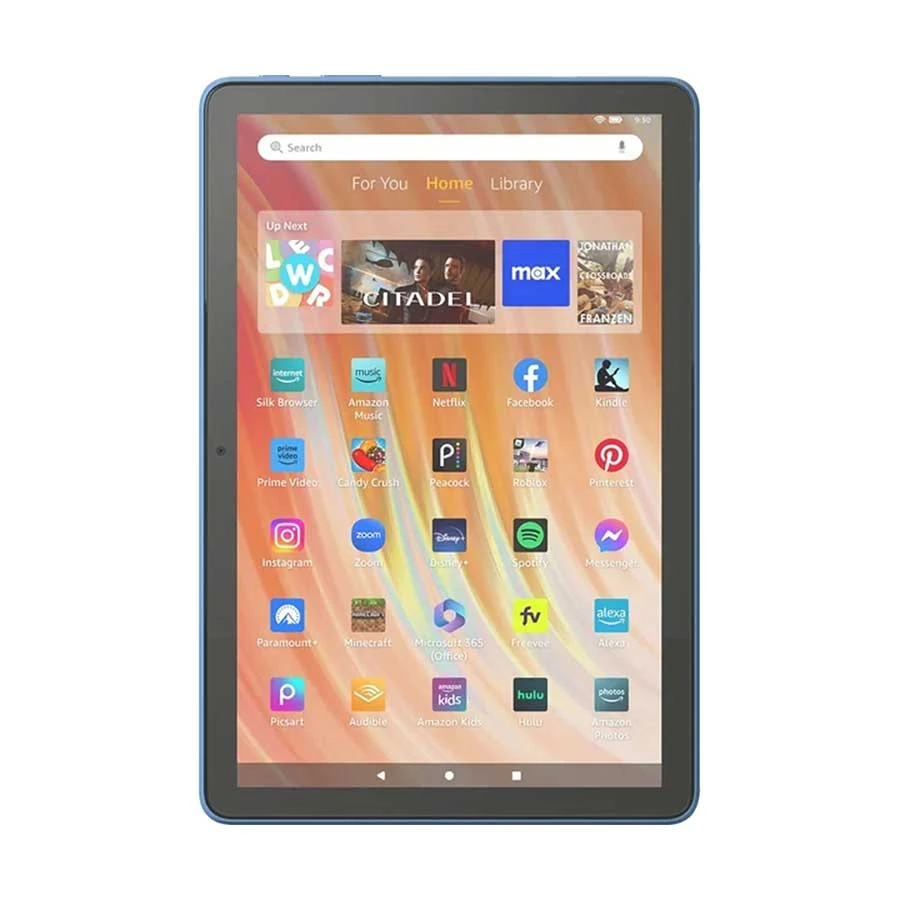
3. Amazon Fire HD 10.

The Amazon Fire HD 10 (13th Gen) is a straightforward tablet for schoolwork and everyday entertainment. It’s useful for reading, online classes, browsing, and watching videos without feeling overly complicated.
Amazon Fire HD 10 (13th Gen) Octa-Core 3GB RAM 32GB ROM 10.1 Inch Full HD Display Ocean Tablet
Octa-Core Processor
3GB RAM
32GB Storage
10.1 Inch Full HD Display
Up to 13 Hours Battery
Ocean
Special Price
Tk 18,000
Regular Price: Tk 19,530
BUY NOW
Note: Price may vary over time, so please check the latest price before ordering.
For general users, it makes a practical device for casual use at home or on the go.
Key Features
Note: Price may vary over time, so please check the latest price before ordering.
Performance for Zoom, PDFs, and Everyday Study
Telecast, Honor, and Amazon tablets handle Zoom classes, PDF textbooks, and study apps smoothly. Their mid-range processors and 4–8GB RAM ensure stable video calls and quick document loading. Combined with comfortable screen sizes, they deliver reliable performance for regular schoolwork and light multitasking.
Best Tablets for Medical Students (Note-Taking & 3D Anatomy)
Apple, Lenovo, and Samsung bring suitable tablets for medical students. The iPad for medical students supports the Apple Pencil and features top-tier anatomy apps. Lenovo Xiaoxin Pad Pro offers a large, high-resolution screen for textbooks and slides. Samsung Galaxy Tab A11, on the other hand, is an affordable option for reading and light note-taking.
1. Apple iPad (2025)

The Apple iPad (2025) is a strong choice for medical students who need a tablet for study and note-taking. Its large display gives students a comfortable workspace for medical notes, diagrams, and 3D anatomy apps.
Apple iPad (2025) 10.9 Inch Liquid Retina Display A16 Bionic Chip 128GB Silver Tablet
A16 Bionic Chip
128GB Storage
10.9 Inch Liquid Retina
2360 x 1640 Resolution
12MP Front & Rear Camera
Up to 10 Hours Battery
Special Price
Tk 57,000
Regular Price: Tk 61,850
BUY NOW
Note: Price may vary over time, so please check the latest price before ordering.
It can also handle everyday study tasks, which makes it a useful companion throughout a medical career.
Key Features
Note: Price may vary over time, so please check the latest price before ordering.
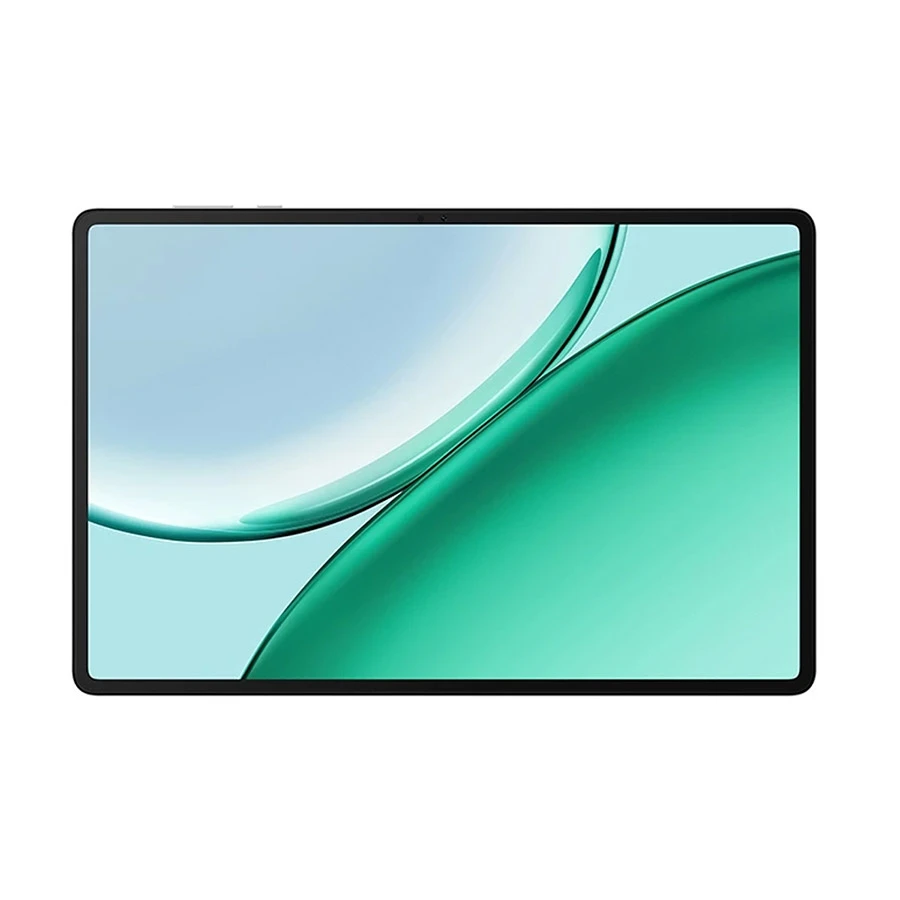
2. Lenovo Xiaoxin Pad Pro TB375FC (Wi-Fi)

The Lenovo Xiaoxin Pad Pro is a capable tablet for medical students who rely on digital study materials. Its large display provides more space for taking notes, reviewing diagrams, and exploring 3D anatomy.
Lenovo Xiaoxin Pad Pro TB375FC (Wifi) MediaTek Dimensity 8300 Octa-core Processor 8GB RAM 12.7 Inch Display Luna Grey Tablet
MediaTek Dimensity 8300
8GB RAM
256GB Storage
12.7 Inch Display
2944 x 1840 Resolution
144Hz Refresh Rate
10200mAh Battery
Special Price
Tk 50,000
Regular Price: Tk 54,250
BUY NOW
Note: Price may vary over time, so please check the latest price before ordering.
It’s also suitable for reading medical PDFs and keeping study materials organized in one place.
Key Features
Note: Price may vary over time, so please check the latest price before ordering.
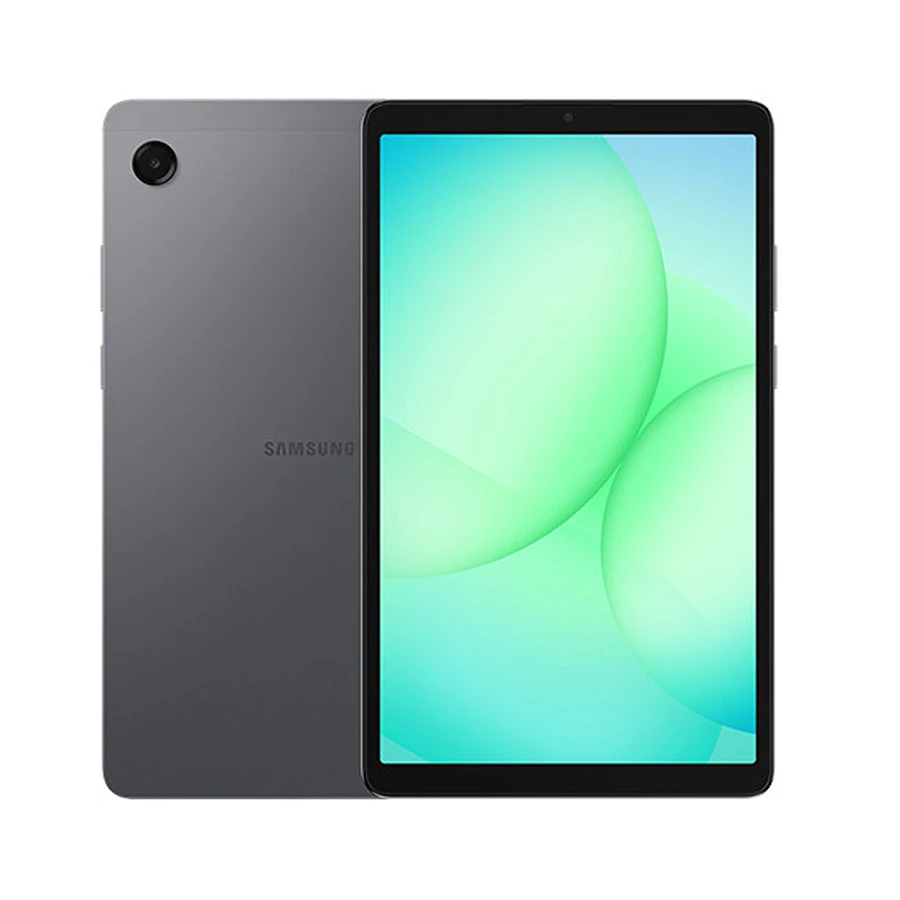
3. Samsung Galaxy Tab A11 (Wi-Fi)

The Samsung Galaxy Tab A11 is suitable for medical students seeking digital learning. It can be useful for taking notes, reviewing medical diagrams, and exploring 3D anatomy content on a budget.
Samsung Galaxy Tab A11 (Wi-Fi) 4GB RAM 64GB ROM 8.7 Inch Gray Tablet (Official)
MediaTek Helio G99
4GB RAM
64GB Storage
8.7 Inch Display
90Hz Refresh Rate
5100mAh Battery
Special Price
Tk 19,499
Regular Price: Tk 21,160
BUY NOW
Note: Price may vary over time, so please check the latest price before ordering.
This device also keeps lectures, PDFs, and other materials within reach in the simplest way possible.
Key Features
Note: Price may vary over time, so please check the latest price before ordering.
Why Sharp Displays & Digital Pen Precision Matter for Med Students
Sharp displays help medical students see fine anatomical details in 3D apps. They keep dense PDFs crisp during long study sessions. Precise digital pens let students draw accurate diagrams, annotate slides, and take handwritten notes, such as exam answers. It turns tablets into strong tools for mastering complex medical content.
Best Tablets for Engineering Students (Multitasking & CAD Viewers)

The iPad Air 11-inch runs heavy engineering apps, CAD, simulations, and design tasks smoothly. OnePlus Pad Lite LTE provides cellular connectivity, so you stay online anywhere on campus or in the field. It also has a smooth 90Hz screen. Similarly, Redmi Pad 2 has a large 90Hz display. It's great for reading PDFs, watching lecture videos, and split-screen multitasking (notes plus references, code plus docs, etc).
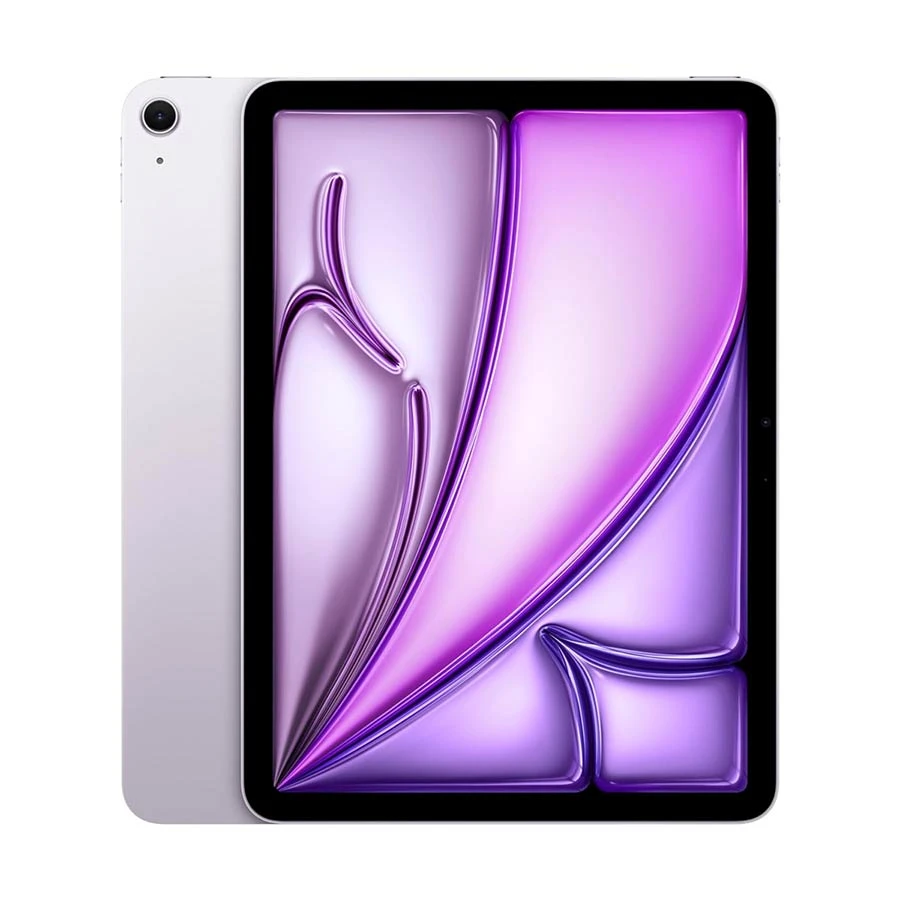
1. Apple iPad Air 11 Inch

The Apple iPad Air 11-inch is a useful choice for many engineering tasks. Its display size makes it convenient for checking drawings, viewing CAD files, and keeping reference material open.
Apple iPad Air 11 Inch Liquid Retina Display M4 Chip 12GB RAM 128GB ROM WiFi Purple Tablet #MH344xx/A
Apple M4 Chip
12GB RAM
128GB Storage
11 Inch Liquid Retina
2360 x 1640 Resolution
Up to 10 Hours Battery
Special Price
Tk 102,000
Regular Price: Tk 110,670
BUY NOW
Note: Price may vary over time, so please check the latest price before ordering.
It also fits well into a student workflow that involves notes, research, and regular coursework with reliable Apple support.
Key Features
Note: Price may vary over time, so please check the latest price before ordering.
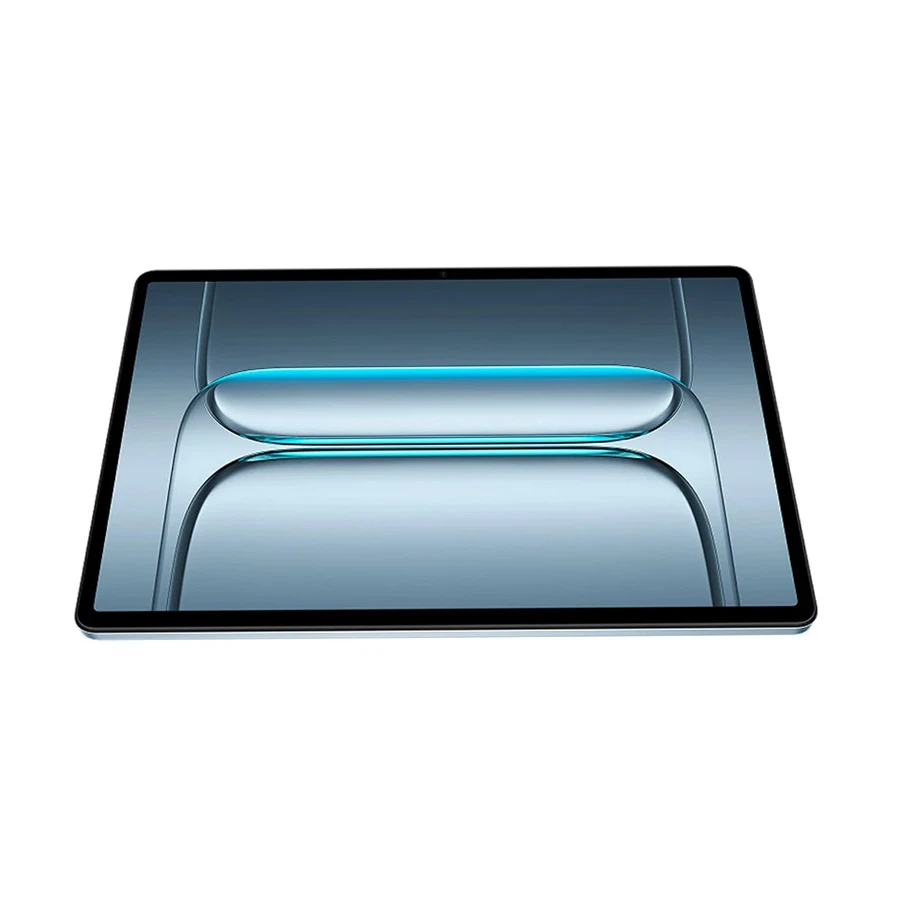
2. OnePlus Pad Lite LTE

The OnePlus Pad Lite LTE is a practical option for engineering students who need a tablet for study and reference work without taking a heavy toll on budget. It can be useful for viewing CAD files, checking drawings, and switching between different study materials.
OnePlus Pad Lite LTE 8GB RAM 128GB ROM 11 Inch Aero Blue Tablet
MediaTek Helio G100
8GB RAM
128GB Storage
11 Inch IPS Display
90Hz Refresh Rate
9340mAh Battery
Special Price
Tk 26,500
Regular Price: Tk 28,750
BUY NOW
Note: Price may vary over time, so please check the latest price before ordering.
With LTE connectivity, students can also access their work and resources when Wi-Fi isn’t available.
Key Features
Note: Price may vary over time, so please check the latest price before ordering.
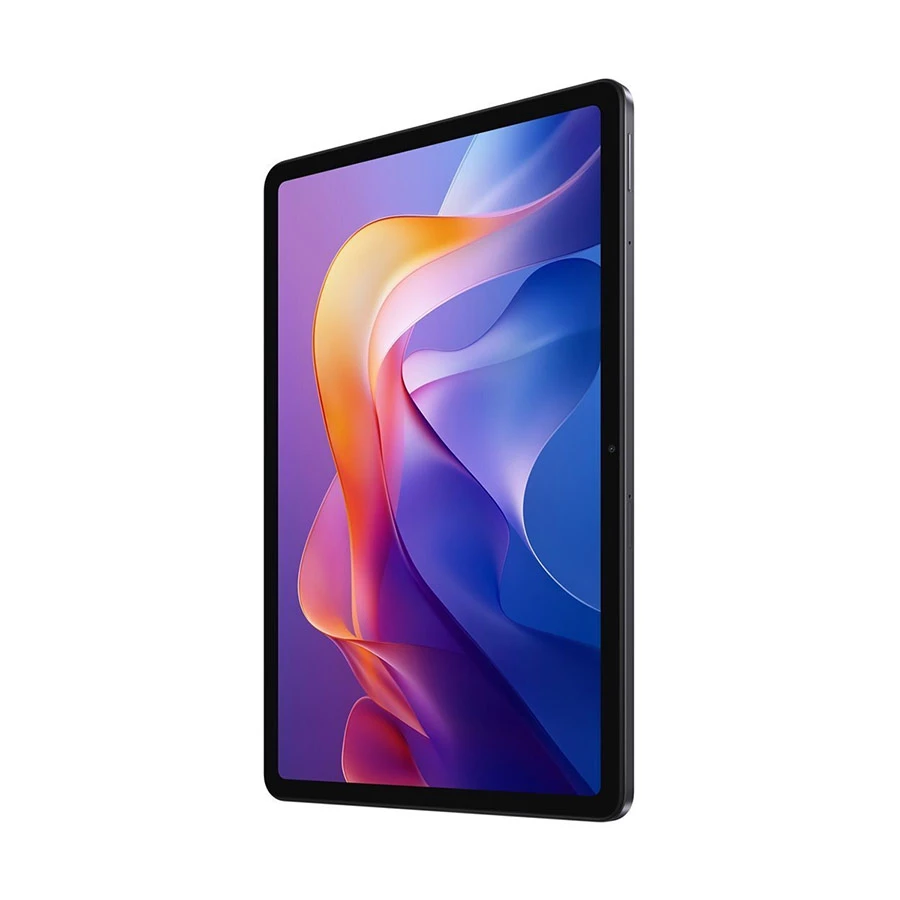
3. Xiaomi Redmi Pad 2 (Wi-Fi)

The Xiaomi Redmi Pad 2 is useful for digital engineering materials. Its large screen provides ample space to view CAD drawings, reference files, and technical documents within a comfortable budget.
Xiaomi Redmi Pad 2 (Wi-Fi) 6GB RAM 128GB ROM 11 Inch Graphite Gray Tablet (Official)
Helio G100 Ultra
6GB RAM
128GB Storage
11 Inch IPS Display
2560 x 1600 Resolution
90Hz Refresh Rate
9000mAh Battery
Special Price
Tk 24,999
Regular Price: Tk 27,120
BUY NOW
Note: Price may vary over time, so please check the latest price before ordering.
It also suits students who want a single device for coursework, research, and everyday use.
Key Features
Note: Price may vary over time, so please check the latest price before ordering.
Handling Heavy Documents, Diagrams, and Worksheets
Engineering coursework requires big PDFs, detailed schematics, and long worksheets. A tablet with a large, sharp screen and a powerful processor can handle these files smoothly. It lets you zoom and pan fast. It also supports split-screen, so you can view diagrams while solving problems or coding.
Student Tablet Buying Guide: Essential Academic Features

The best student tablets have an active stylus with palm rejection for natural note-taking. They also need a large, eye-care-certified display for long reading sessions. Their OS, iPadOS or Android, should support your academic apps. So, focus on these three features for comfort, productivity, and compatibility in your studies.
Active Stylus & Palm Rejection for Natural Writing
An active stylus with palm rejection lets students write and draw naturally. Pressure sensitivity and low latency catch fine details in diagrams and equations. Palm rejection stops accidental marks. Together, they turn tablets into reliable notebooks for lectures, labs, and exam prep.
Screen Size & Eye-Care Certification for Long Reading Sessions
Larger screens (10–13 inches) reduce the need for constant zooming and scrolling through textbooks, PDFs, and research papers. Eye care certifications like TÜV Rheinland cut blue light and flicker. It reduces eye strain during long study sessions without sacrificing text clarity or color accuracy.
iPadOS vs. Android Ecosystems for Academic Software
iPadOS offers optimized apps like GoodNotes and Notability, tools for anatomy and engineering, and long-term software support. Android provides more hardware choices, flexible multitasking, and often better value, with strong Google Workspace integration. Your choice depends on the apps you need, your budget, and current devices.
FAQs
What are the key software differences between iPadOS and Android for academic note-taking applications?
iPadOS has stylus-first apps such as GoodNotes and Notability, with better palm rejection and Apple Pencil support. Android offers more hardware choices, flexible multitasking, and strong Google Workspace support, though stylus apps vary by brand.
How much RAM and internal storage capacity are necessary for storing large medical and engineering textbook PDFs?
Look for at least 6-8GB of RAM and 128GB or more of storage. Heavy users of 3D anatomy or CAD apps should get 256GB of storage or expandable storage.
What battery capacities (mAh) and charging wattages are typical for tablets used throughout full campus days?
Most student tablets have 7,000 to 12,000mAh batteries, lasting 8 to 13 hours. Charging ranges from 18W to 33W, with some premium models offering 45W or more.
Final Verdict
A tablet is only worth it if it fits how you study. Skimming PDFs on a bus needs something different than sketching a nephron diagram at 2 AM before an exam. Running a CAD model between lecture notes is a different job altogether. The real test is whether the best tablets for students fit into the students’ workflow.
Select with your hardest tasks in mind, and the tablet will earn its keep long after graduation.









Leave a comment