Video editing requires more than just a powerful laptop. You need a powerful CPU, enough RAM, fast SSD storage, and useful graphics support.
Bangladeshi customers look for fair prices, official warranty, and easy service. This guide helps you compare the best laptops for video editing in Bangladesh. It includes options for YouTube videos, freelancing, and Premiere Pro, DaVinci Resolve, 4K projects, and daily content creation.
The list offers options from entry-level to mid-range and premium levels. So, you can choose a model based on your editing level, not only the lowest price.
How to Choose a Laptop for Video Editing: At A Glance
Choose a laptop based on your editing level, software, display quality, and project size. A balanced CPU, GPU, RAM, SSD, and cooling setup helps you edit faster and work more smoothly.
CPU
Editing Level
Choose Core i5 or Ryzen 5 for Full HD editing; choose Core i7 or Ryzen 7 for heavier work.
GPU
GPU Need
Pick NVIDIA GeForce RTX for effects, 4K previews, rendering, and DaVinci Resolve.
RAM
RAM Capacity
Start with 16GB RAM; choose 32GB RAM for 4K timelines and multitasking.
SSD
Storage
Use NVMe SSD storage; choose 1TB SSD for regular projects and media files.
IPS
Display Quality
Pick IPS or OLED display for better color review and cleaner previews.
APP
Software Match
Check Premiere Pro, DaVinci Resolve, CapCut, or After Effects requirements first.
AIR
Cooling
Choose stronger cooling for long exports and heavy timeline playback.
SIZE
Portability
Pick a 14 inch laptop for travel; choose 15.6 or 16 inch for screen space.
BDT
Budget Planning
Budget laptops suit basic edits; RTX laptops cost more but save export time.
TIP
Quick tip: For Full HD editing, focus on CPU, 16GB RAM, and SSD. For 4K editing, effects, and faster rendering, prioritize RTX graphics, 32GB RAM, better cooling, and a color-friendly display.
Best Laptops for Video Editing in Bangladesh 2026
The best laptop for video editing should have a powerful processor, SSD storage and good cooling. Heavy editing also needs a dedicated GPU and VRAM.
The table below compares each model by use case, core specs, and price.
Use the short notes below to see who each laptop suits, why it fits that buyer, and where it may feel limited.
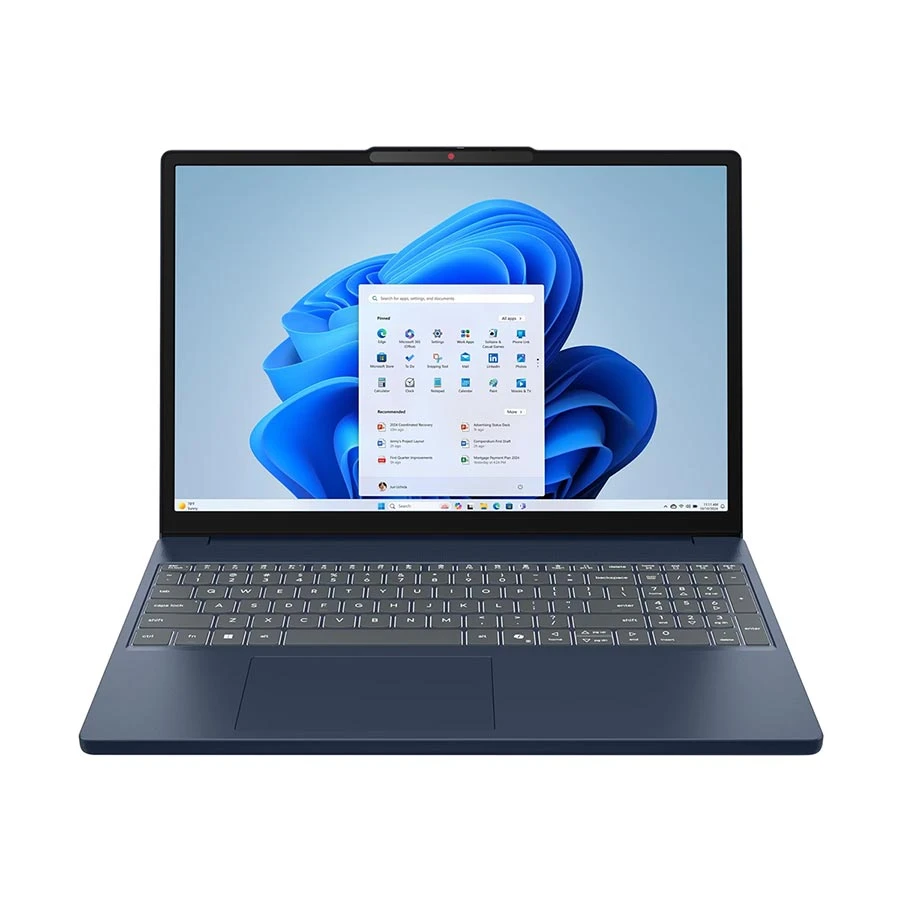
Basic YouTube or Class Videos: Lenovo IdeaPad Slim 3 15ARP10
Lenovo
Lenovo IdeaPad Slim 3 15ARP10 Ryzen 5 Laptop
Ryzen 5 7535HS
8GB DDR5
512GB SSD
15.3-Inch WUXGA
A practical choice for basic Full HD video editing, class projects, study videos, presentation clips, and starter YouTube content. Its WUXGA IPS display and Ryzen 5 processor suit beginner creative work.
For students, beginners, and new content creators, the Lenovo IdeaPad Slim 3 15ARP10 is a practical choice for basic video editing. It keeps the cost lower while still handling Full HD edits, study videos, presentation clips, and small YouTube uploads. This model is best for users who need a simple laptop for regular class work, light content creation, and beginner-friendly editing without spending extra on a gaming laptop.
Best for: Students, new creators, class projects, basic YouTube videos
Main limitation: Heavy multi-layer edits may need a stronger laptop
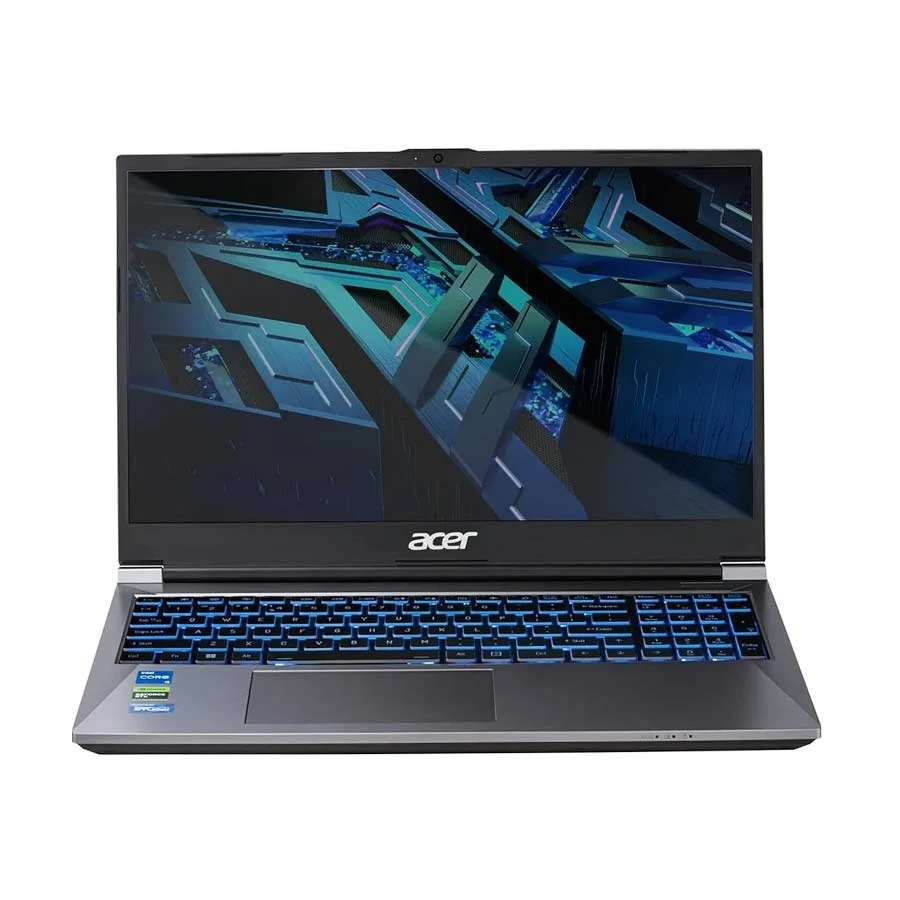
A capable choice for Full HD video editing, GPU-accelerated effects, rendering, motion graphics, and moderate 4K projects. For color-critical editing, using a wider-gamut external monitor would be more suitable.
For users who edit reels, product videos, short ads, or starter freelance projects, the Acer ALG AL15G-53 Core 5 210H RTX 3050 is a better match because it includes dedicated RTX graphics. Its GPU support helps with effects, timeline previews, and export performance at a safer budget. This makes it useful for new editors who want better creative performance than a regular laptop but do not want to move into a high-cost creator model.
Best for: Reels, product ads, short-form videos, starter freelance work
Main limitation: Large studio-level projects may need a more powerful model
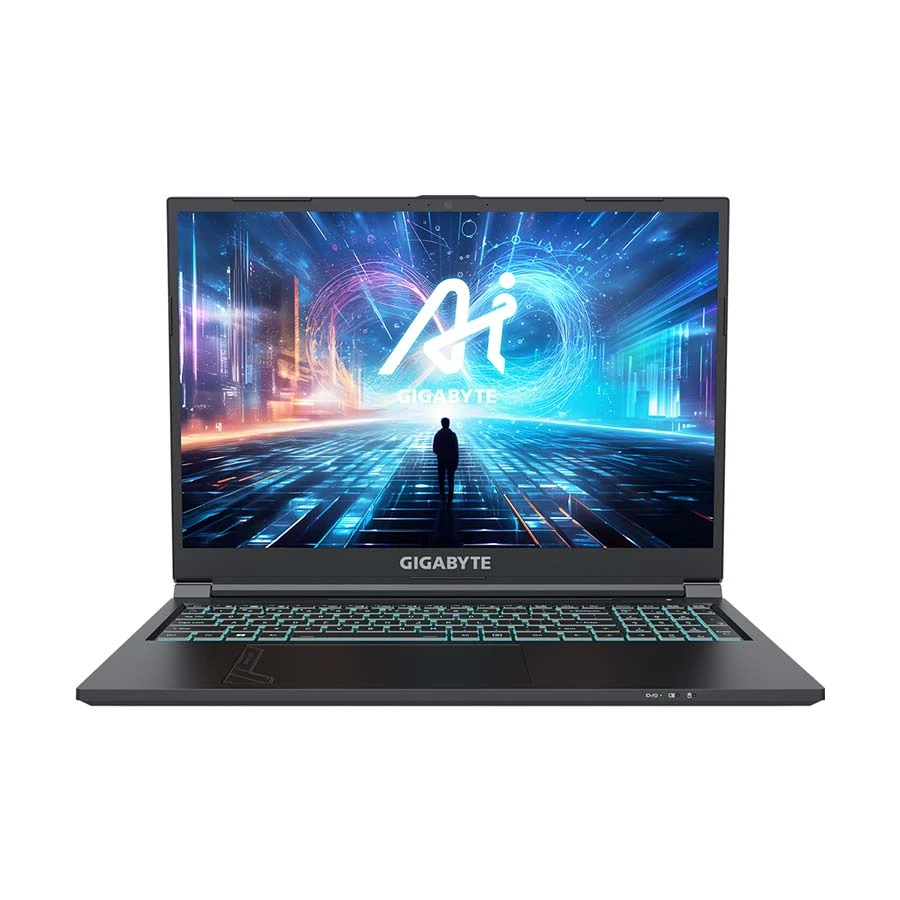
Freelance 4K and Mixed Editing Work: Gigabyte Gaming G6 MF 13th Gen Intel Core i7
A strong option for Full HD and 4K video editing, layered timelines, GPU-accelerated effects, motion graphics, and faster rendering. Its 16-inch WUXGA display provides more workspace, but a color-accurate external monitor is preferable for professional color grading.
For freelancers who work on longer videos, 4K footage, client projects, and mixed creative tasks, the Gigabyte Gaming G6 MF 13th Gen Intel Core i7 is a stronger choice. Both models provide better CPU and GPU support than basic laptops, making them more suitable for frequent editing, longer timelines, faster exports, and daily creative workloads. The Gigabyte Gaming G6 MF fits users who also stream or game.
Best for: Freelancers, small teams, 4K editing, mixed creative work
Main limitation: Display-focused users may want to check screen quality before buying
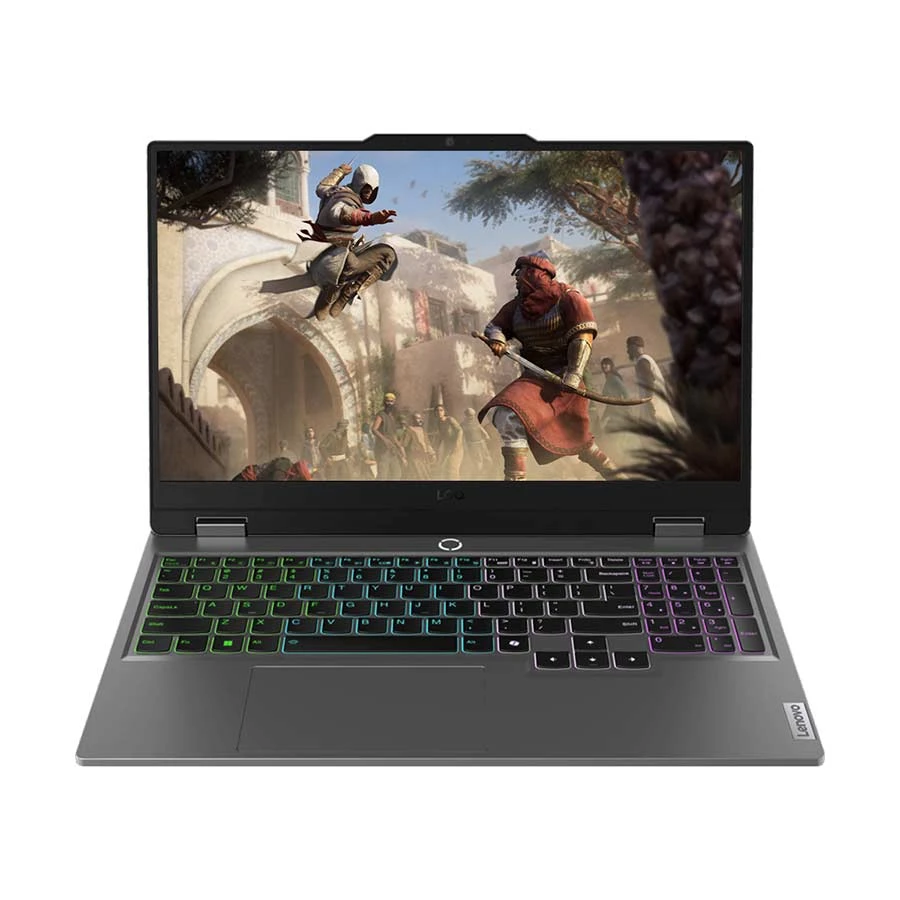
Best Value Laptop for Video Editing: Lenovo LOQ Gaming 15IAX9
Lenovo
Lenovo LOQ Gaming 15IAX9 Core i5 RTX 4050 Laptop
Core i5-12450HX
16GB DDR5
512GB SSD
RTX 4050 6GB
A capable option for Full HD and moderate 4K video editing, featuring dedicated RTX 4050 graphics and a 15.6-inch FHD IPS 144Hz display with 100% sRGB color coverage.
For editors looking for one of the best laptops for video editing without moving to a premium creator model, the Lenovo LOQ Gaming 15IAX9 offers a practical balance of editing performance and upgrade options. Its Intel Core i5-12450HX processor, NVIDIA RTX 4050 6GB graphics, and 16GB DDR5 RAM can handle Full HD editing, layered timelines, color correction, GPU-accelerated effects, and moderate 4K projects. The 100% sRGB IPS display is also useful for creators who need more dependable color while editing videos and social media content.
Best for: YouTube editors, freelance video work, Full HD editing, layered projects, moderate 4K editing
Main limitation: The 512GB SSD may fill quickly with large video files, but an additional M.2 SSD slot is available for storage expansion.
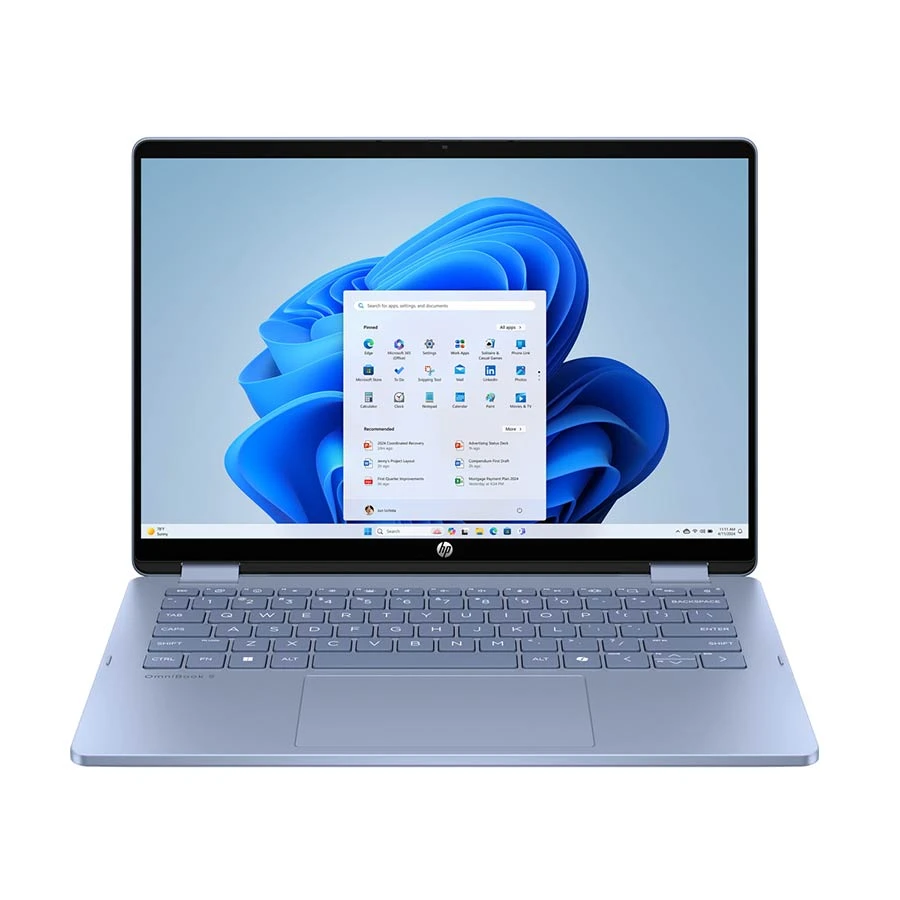
Travel, Class, and Client Meetings: HP OmniBook 5 Flip x360 14-fp0134TU
HP
HP OmniBook 5 Flip x360 14-fp0133TU Convertible Laptop
Intel Core 5 120U
16GB RAM
1TB SSD
14-Inch FHD Touch
A portable option for light Full HD video editing, short social media clips, thumbnail work, and reviewing footage in laptop, tent, or tablet mode. The 16GB RAM and 1TB SSD support multitasking and project storage, but shared graphics are not ideal for heavy effects or demanding 4K edits.
For users who move between class, office, travel, and client meetings, the HP OmniBook 5 Flip x360 2-in-1 14-fp0133tu Series is a flexible choice. Its convertible design is useful for planning content, taking notes, presenting ideas, previewing videos, and doing light editing on the go. It is not mainly built for heavy editing, but it works well for creators who value portability, touchscreen flexibility, and presentation-friendly design.
Best for: Travel, class work, client meetings, planning, light editing
Main limitation: Frequent heavy video editing needs a stronger laptop
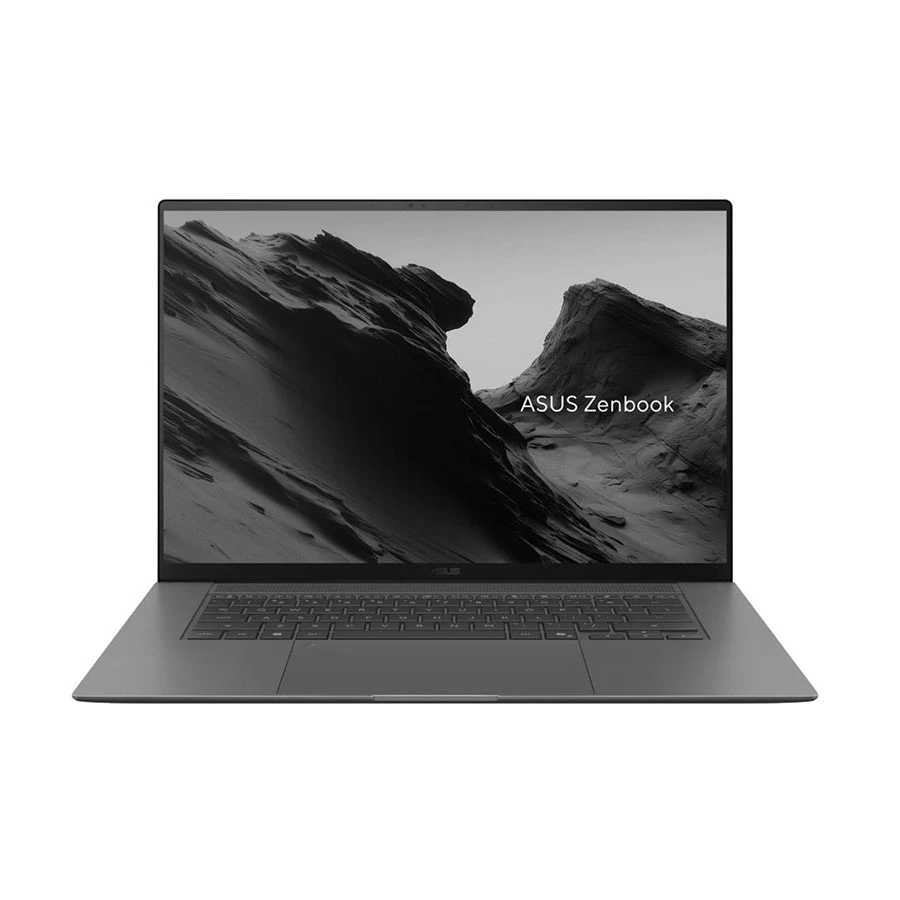
Color Review and Premium Creator Use: Asus Zenbook S 16 UM5606GA
ASUS
ASUS Zenbook S 16 UM5606GA Ryzen AI 7 Laptop
Ryzen AI 7 445
32GB LPDDR5x
1TB Gen 4 SSD
16-Inch 3K OLED
A premium portable choice for video editors who value a sharp 3K OLED workspace, 32GB memory, and generous project storage. It suits Full HD editing and lighter 4K workflows, although integrated Radeon graphics are less suitable for demanding effects and intensive 4K rendering.
For creators who care about display quality, visual comfort, and premium design, the Asus Zenbook S 16 UM5606GA is a strong option. Its OLED screen helps with color checking, content planning, client previews, and visual review. This makes it useful for creators who work with thumbnails, social media visuals, presentation content, and video previews where screen quality matters.
Best for: Color review, client previews, content planning, premium creator use
Main limitation: Graphics-heavy workflows still need app-specific checking
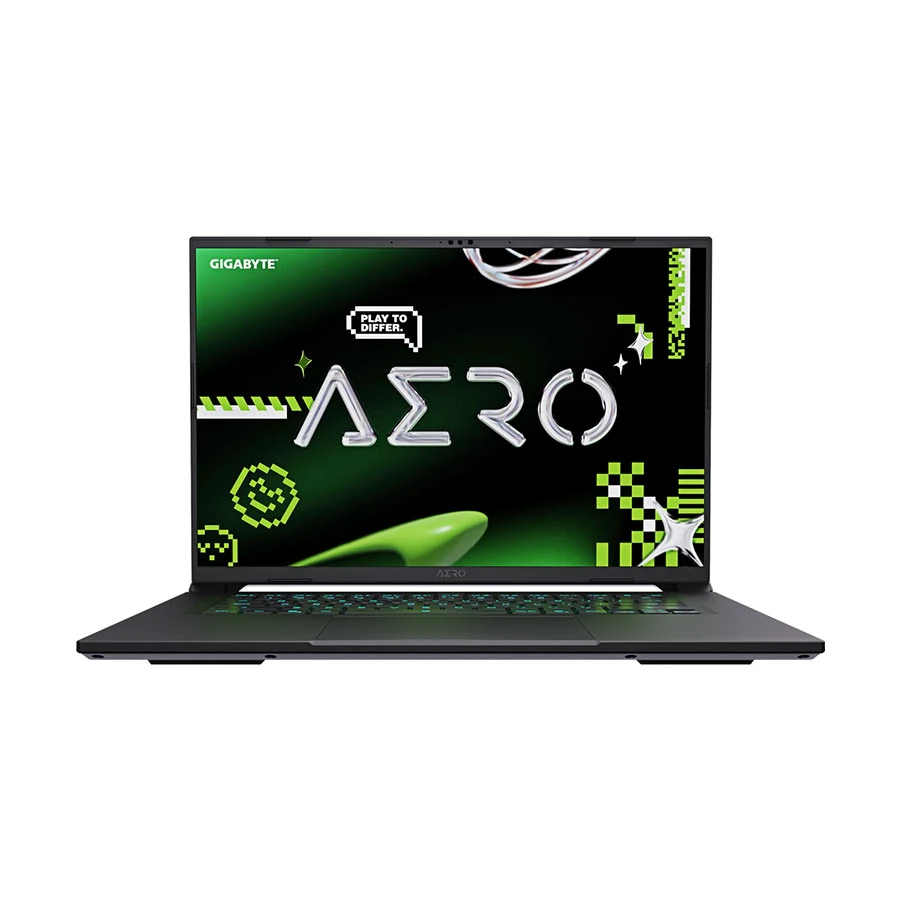
A high-performance choice for 4K video editing, complex timelines, motion graphics, GPU-accelerated effects, and faster exports. The Pantone Validated 16-inch IPS display supports creative work, while the upgradeable RAM provides room for heavier editing projects.
For advanced editors and creator teams, the Gigabyte AERO X16 1VH is the better choice for heavier workloads. It suits layered timelines, larger video files, frequent editing, and demanding creative projects. Its stronger graphics support helps reduce slowdowns when working with effects, bigger files, and more complex editing tasks. Casual editors may not need this much power, but serious creators can benefit from the extra performance.
Best for: Advanced editors, creator teams, layered projects, large files
Main limitation: Casual editors may not need this level of performance
Key Features to Look for in a Video Editing Laptop
The laptop should have a balance of components: CPU, GPU, RAM, SSD, display, and heat dissipation. Use this as a checklist.
Processor Performance
The processor affects export time, app response, and playback speed. Intel Core i5, i7, or i9 works for most workloads. Intel Core Ultra 5, 7, and 9 are newer options. Ryzen 5, 7, and 9 also suit Windows users. Apple M-series chips suit Mac users.
The latest generation processors are designed for multi-threading and heavy workloads, and improve load times and application responsiveness.
Compare CPU performance, CPU cores, clock speed, latest gen CPU options, and multitasking support before buying.
Dedicated Graphics Card
A GPU makes a big difference with effects, previews, and GPU export functions. NVIDIA GeForce RTX laptops are generally better for editors than typical laptops with basic integrated graphics.
RTX 3050 works for budget work, while RTX 4050 is a better budget option. RTX 4060 and RTX 4070 are better for more intensive projects.
RAM Capacity
Most editing work is possible with 16GB RAM, while 32GB RAM is ideal for large 4K editing and lots of browser tabs open.
64GB RAM suits advanced timelines and heavy effects. Upgradeable RAM gives better long-term value.
SSD Storage
For editing, SSD storage is the better choice. SSDs are faster than HDDs, so projects open and move faster.
512GB works for small projects, while 1TB is suitable for freelance work and 2TB for large client work. This is the simple SSD vs HDD difference for editors.
Display Quality and Color Accuracy
Poor display quality can hide editing mistakes. A Full HD display can handle basic edits. QHD, 2.8K, 4K, and OLED displays show more detail. An IPS display also helps with color editing.
Cooling System
A good cooling system keeps performance stable during long exports. Thin laptops with weak cooling can slow down CPU and GPU.
Performance laptops are often better than thin office laptops. Long sessions of editing 4K video require good cooling.
Software Compatibility
Software compatibility is important. Adobe Premiere Pro, DaVinci Resolve, and After Effects use the hardware differently.
A content creator's laptop should be built for editing software first. Always check the software requirements before purchase. A laptop for Premiere Pro also needs stable CPU and GPU support.
Ports and Connectivity
Good ports reduce cable problems in a busy setup. USB-C, HDMI ports, card readers, and LAN ports help editors use external monitors and drives. Limited ports may force you to buy adapters.
Battery Life and Portability
Battery life matters for class, travel, and client visits. High-performance laptops for gaming tend to have shorter battery life.
A 16-inch laptop offers more screen space. More compact models are better for travel.
Warranty and Upgrade Options
Warranty support matters for a high-price purchase. Official warranty helps reduce risk after purchase.
Storage capacity and RAM upgrade options also matter. Check service support before payment.
MacBook or Windows Laptop for Video Editing?
Here is the detailed comparison table -
Point
MacBook
Windows Laptop
Best For
Editors who want strong battery life, Final Cut Pro, and smooth software.
Buyers who want more GPU choices, wider prices, and local model options.
Price Choice in Bangladesh
Usually costs more at the same performance level.
Offers more choices across budget, mid-range, and premium levels.
GPU Support
Uses Apple M-series graphics for efficient editing.
Offers NVIDIA RTX options for Premiere Pro, DaVinci Resolve, and effects.
Upgrade and Gaming
Has limited upgrade and gaming flexibility.
Gives more upgrade options and stronger gaming support.
Better Pick
Choose MacBook for travel, battery life, and Final Cut Pro.
Choose Windows for RTX editing, budget control, and wider availability.
Frequently Asked Questions
Can I Use a Laptop Without a Graphics Card for Video Editing?
Yes, a laptop without a dedicated graphics card can edit basic videos. It works for Full HD edits, cuts, captions, and light color changes. Heavy effects and 4K projects need stronger graphics support.
Does Cooling Matter in a Video Editing Laptop?
Yes, cooling is very important in a video editing laptop. Exports can take a long time and overheat a laptop. Better cooling helps the laptop keep speed for longer.
Is an SSD Important for Video Editing?
Yes, SSD storage is important for video editing. It allows apps and files to be opened and moved faster. NVMe SSD storage helps make previews faster and can help with smoother playback.
Which Processor is Best for Video Editing Laptops?
The best processors for editing are Core i7, Core Ultra 7, Ryzen 7, and Ryzen AI 7. Core i5 and Ryzen 5 are okay for simple projects. 4K projects require more CPU power.
Is 16GB RAM Enough for Video Editing?
Yes, 16GB RAM is enough for many Full HD videos. 32GB RAM is recommended for more intensive video editing like 4K. Larger projects with more complex effects need 64GB RAM.
Final Buying Advice
Your best choice depends on editing needs, budget, and travel. For simple Full HD editing, get Lenovo IdeaPad Slim 3. For stronger video editing and graphics, get Acer ALG or Gigabyte G6. For heavy creator work, consider Gigabyte AERO X16.
Price, stock, and offers can change on Ryans. Check stock, warranty, and EMI before purchase. The best purchase is a laptop you can use regularly with steady performance and good support.







Leave a comment