Best Gaming Laptop Under 1 Lakh in Bangladesh: What to Buy in 2026
If your budget is exactly Tk 1 lakh, there is an important price reality to understand before choosing a gaming laptop. Two of the closest options we are comparing, the Lenovo LOQ Gaming 15IAX9E and MSI Cyborg 15 A13UC, currently cost Tk 101,900 each.
That means neither gaming laptop is technically under Tk 100,000 at the current price. They are Tk 1,900 above the budget. So instead of pretending they are under 1 lakh, this guide compares them as gaming laptops around the Tk 1 lakh budget.
The two laptops take different approaches. The Lenovo comes with 12GB DDR5 RAM, Windows 11 Home, an RTX 2050 4GB GPU and a 144Hz IPS display with verified 100% sRGB coverage. The MSI comes with 8GB DDR5 RAM, FreeDOS and an RTX 3050 4GB GPU, along with its own 144Hz display.
Which one makes more sense depends on what you need from the laptop.
Best Gaming Laptops Around Tk 1 Lakh
Model
Current Price
Processor
Graphics
RAM
Storage
Display
Lenovo LOQ Gaming 15IAX9E
Tk 101,900
Core i5-12450HX
RTX 2050 4GB
12GB DDR5
512GB SSD
15.6" FHD IPS, 144Hz
MSI Cyborg 15 A13UC
Tk 101,900
Core i5-13420H
RTX 3050 4GB
8GB DDR5
512GB SSD
15.6" FHD IPS-Level, 144Hz
Both processors have 8 cores and 12 threads. The i5-12450HX can reach up to 4.40GHz, while the i5-13420H can reach up to 4.60GHz. Those specifications alone should not be used to predict which laptop will be faster in every game because laptop performance also depends on GPU configuration, cooling, power limits and workload.
Lenovo LOQ Gaming 15IAX9E
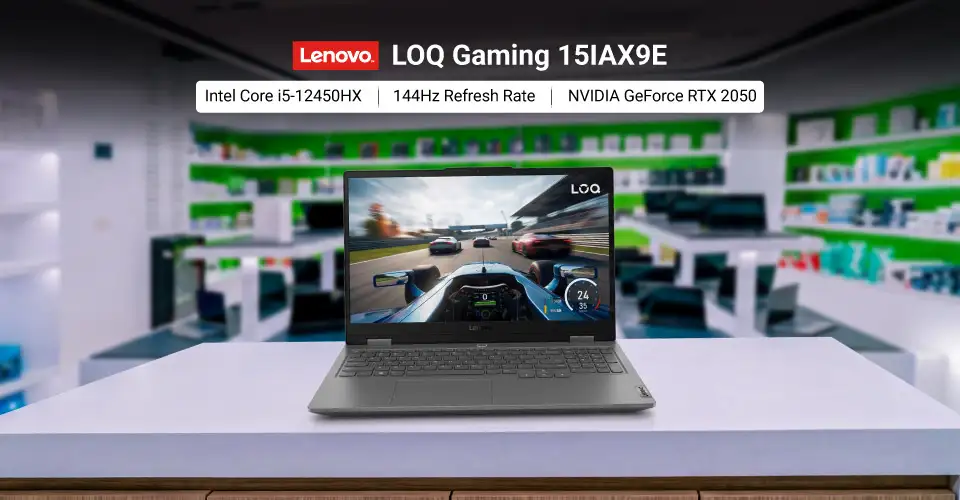
The Lenovo LOQ Gaming 15IAX9E uses an Intel Core i5-12450HX processor with 8 cores and 12 threads. The current configuration has 12GB DDR5 RAM, a 512GB SSD and NVIDIA GeForce RTX 2050 graphics with 4GB GDDR6 memory.
Its display is one of its clearest advantages. The 15.6-inch Full HD IPS panel has a 144Hz refresh rate, 300-nit rated brightness and 100% sRGB coverage. These are useful specifications not only for gaming but also for buyers who care about better colour coverage for everyday visual work.
Lenovo LOQ Gaming 15IAX9E Key Specifications
Feature
Specification
Processor
Intel Core i5-12450HX
CPU
8 cores, 12 threads, up to 4.40GHz
Graphics
NVIDIA GeForce RTX 2050
Graphics Memory
4GB GDDR6
RAM
12GB DDR5
Storage
512GB SSD
Display
15.6-inch FHD IPS
Resolution
1920 × 1080
Refresh Rate
144Hz
Brightness
300 nits
Colour Coverage
100% sRGB
Battery
57Wh
Operating System
Windows 11 Home
Weight
1.77kg
Warranty
2 years, with 1 year for battery and adapter
Price
Tk 101,900
The exact Ryans configuration has one removable 12GB DDR5 memory module. The laptop also comes with Windows 11 Home, so you do not need to arrange an operating-system installation before normal use.
One Important USB-C Limitation
Do not assume that every USB-C port can output video or charge the laptop. Lenovo's LOQ 15IAX9E specification lists its USB-C port as data-transfer only. The laptop provides HDMI 2.1 for external display output, but DisplayPort output over USB-C is not listed for this model. That distinction matters if you plan to connect a USB-C monitor or dock.
MSI Cyborg 15 A13UC
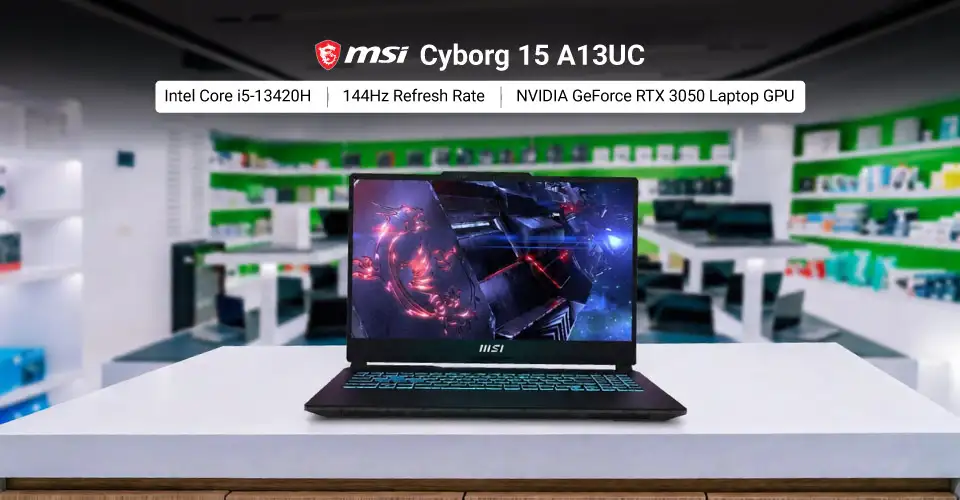
The MSI Cyborg 15 A13UC uses a 13th Gen Intel Core i5-13420H processor with 8 cores, 12 threads and a maximum turbo frequency of 4.60GHz. The current Ryans configuration comes with 8GB DDR5 RAM, a 512GB SSD and an RTX 3050 Laptop GPU with 4GB GDDR6 memory.
The display is a 15.6-inch Full HD IPS-level panel with a 144Hz refresh rate. MSI officially specifies the RTX 3050 Laptop GPU in the A13UC platform at up to 45W Maximum Graphics Power with Dynamic Boost.
MSI Cyborg 15 A13UC Key Specifications
Feature
Specification
Processor
Intel Core i5-13420H
CPU
8 cores, 12 threads, up to 4.60GHz
Graphics
NVIDIA GeForce RTX 3050 Laptop GPU
Graphics Memory
4GB GDDR6
GPU Power
Up to 45W with Dynamic Boost
RAM
8GB DDR5
Storage
512GB NVMe SSD
Display
15.6-inch FHD IPS-Level
Resolution
1920 × 1080
Refresh Rate
144Hz
Battery
53.5Wh
Operating System
FreeDOS
Weight
1.98kg
Warranty
2 years international, with 1 year for battery and adapter
Price
Tk 101,900
The Cyborg platform supports two DDR5 memory slots and up to 64GB memory, according to MSI. That makes the 8GB starting configuration an important point to notice rather than a permanent limitation.
Storage Upgrade Limitation
The MSI Cyborg 15 A13UC has one M.2 NVMe SSD slot, and that slot is already used by the included SSD. MSI also advises consulting its service centre for SSD upgrades.
So you should not buy this model assuming there is an empty second M.2 slot for another SSD.
Better USB-C Display Support
Unlike the Lenovo LOQ 15IAX9E's data-only USB-C connection, MSI specifies DisplayPort support through the Cyborg's USB-C port. The laptop also has HDMI 2.1, two USB-A ports and Gigabit Ethernet.
That can matter if your setup uses a USB-C monitor.
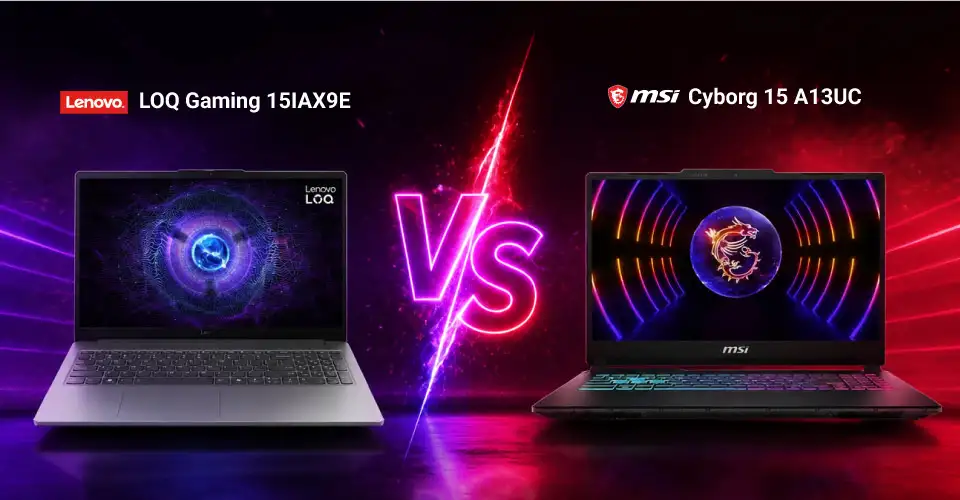
Lenovo LOQ 15IAX9E vs MSI Cyborg 15 A13UC
Because both laptops now cost Tk 101,900, the comparison is easier. You are choosing between different hardware priorities rather than different prices.
Feature
Lenovo LOQ 15IAX9E
MSI Cyborg 15 A13UC
Price
Tk 101,900
Tk 101,900
Processor
Core i5-12450HX
Core i5-13420H
Cores / Threads
8 / 12
8 / 12
Maximum Turbo
4.40GHz
4.60GHz
GPU
RTX 2050
RTX 3050
VRAM
4GB GDDR6
4GB GDDR6
Installed RAM
12GB DDR5
8GB DDR5
Storage
512GB SSD
512GB SSD
Screen
15.6" FHD IPS, 144Hz
15.6" FHD IPS-Level, 144Hz
Verified Colour Coverage
100% sRGB
Not used here because the exact Ryans SKU information is not clear enough
USB-C Display Output
No, data only
Yes, DisplayPort
Operating System
Windows 11 Home
FreeDOS
Battery
57Wh
53.5Wh
Weight
1.77kg
1.98kg
The processor specifications come directly from Intel, while the laptop-specific RAM, GPU, battery, OS and display information comes from the exact Ryans listings and manufacturer documentation.
Which One Has the Better GPU?
The MSI Cyborg uses an RTX 3050 4GB, while the Lenovo LOQ uses an RTX 2050 4GB. Both therefore have 4GB of dedicated graphics memory in these configurations.
However, the GPU name alone is not enough to publish an exact performance difference.
NVIDIA allows RTX 3050 Laptop GPU configurations across different power levels, and MSI specifically lists the A13UC implementation at 45W Maximum Graphics Power with Dynamic Boost.
I would therefore not publish a claim such as “the MSI is 20% faster” or “the Lenovo performs the same” without a controlled benchmark comparing these exact configurations.
For a buyer, the factual distinction is simpler:
The MSI gives you an RTX 3050 4GB GPU.
The Lenovo gives you an RTX 2050 4GB GPU.
Both have 4GB VRAM.
Actual game performance depends on the game, settings and complete laptop configuration.
What Gaming Performance Should You Expect?
Both laptops have 1920 × 1080 displays with a 144Hz refresh rate and dedicated NVIDIA RTX graphics. That makes Full HD the native gaming resolution of both machines.
A 144Hz display does not mean every game will run at 144 FPS. Refresh rate tells you how many times the panel can refresh per second. The frame rate your game produces depends on the GPU, CPU, game, graphics settings and other system conditions.
For this reason, this guide does not give made-up FPS numbers for Valorant, Counter-Strike 2, GTA V or current AAA games. If a particular game's performance will decide your purchase, check a benchmark of the same laptop model, same GPU configuration and similar RAM setup.
That is more reliable than assuming performance from the words “RTX 2050” or “RTX 3050.”
Is 4GB VRAM a Problem?
Both laptops in this comparison have 4GB GDDR6 dedicated graphics memory. That should be considered when comparing them with more expensive gaming laptops that have larger VRAM capacities. If a game recommends more graphics memory for a particular texture or graphics preset, you may need to choose lower settings. So buyers should not judge a gaming laptop only from the RTX badge. GPU model, VRAM, laptop power configuration and the games you actually play all matter.
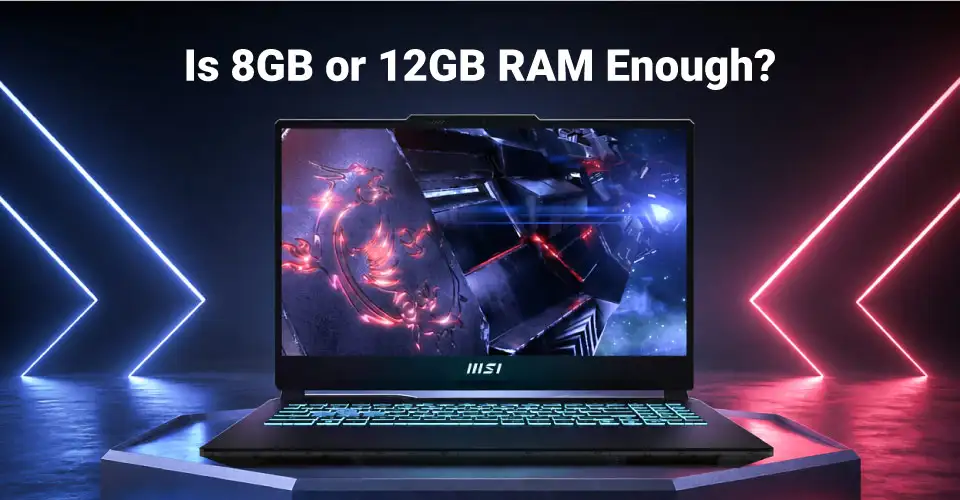
Is 8GB or 12GB RAM Enough?
The Lenovo starts with 12GB DDR5, while the MSI currently starts with 8GB DDR5. That gives Lenovo more memory out of the box. The MSI platform supports two DDR5 memory slots with a maximum capacity of 64GB, so its memory can be expanded if required. Do not assume the same upgrade layout for the Lenovo simply because another LOQ model has two RAM slots. The LOQ 15IAX9E is different from the regular LOQ 15IAX9, and their internal layouts should not be mixed.
Is 512GB Storage Enough?
Both laptops come with a 512GB SSD. Whether that is enough depends on your own game library and other files. Instead of assuming a fixed number of games will fit, check the storage requirement of the games you plan to install. The MSI requires extra attention because its official specification lists only one M.2 NVMe slot. Increasing internal storage may therefore require replacing the existing SSD rather than simply adding a second one.
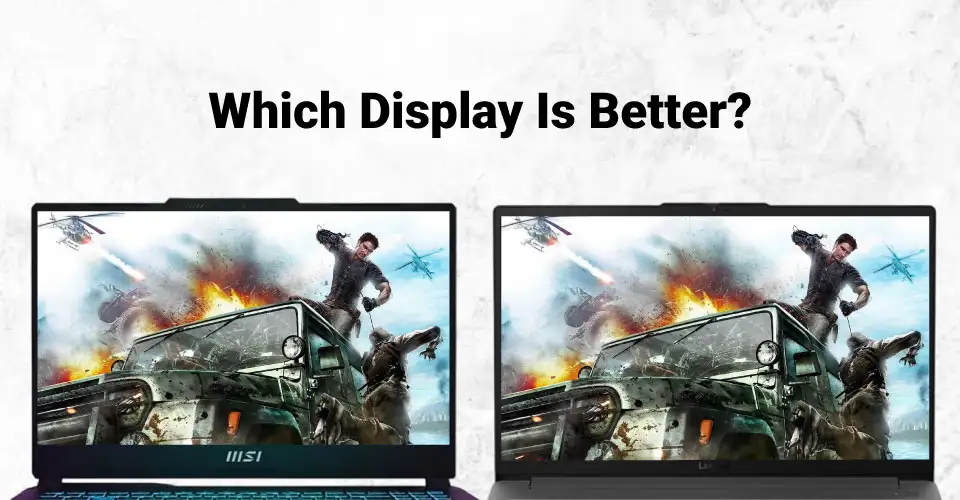
Which Display Is Better?
The Lenovo has the more complete verified display specification in the sources used for this comparison. Its 15.6-inch FHD IPS panel is rated at 144Hz, 300 nits and 100% sRGB. The current MSI Cyborg is confirmed as having a 15.6-inch FHD 144Hz IPS-level display. I am not adding a colour-gamut figure to this exact Ryans configuration because MSI configurations can vary by market and the available information is not consistent enough to safely attach a regional figure to the unit being sold here. If colour coverage matters for your work, that makes the Lenovo's verified 100% sRGB specification particularly useful.
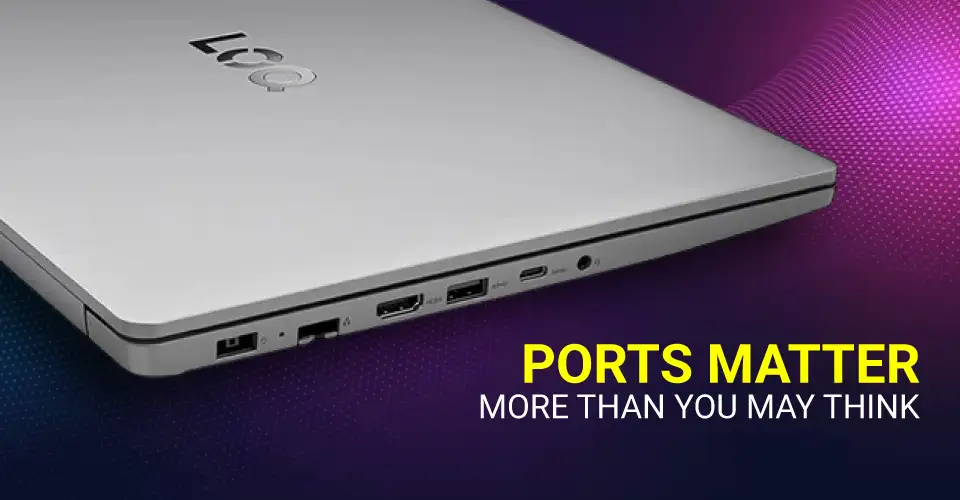
Ports Matter More Than You May Think
Both laptops provide useful connectivity, but there is one major difference. The Lenovo LOQ 15IAX9E's USB-C port is for data transfer only. It does not list DisplayPort output through USB-C. External displays can instead use its HDMI connection. The MSI Cyborg 15 A13UC's USB-C port supports DisplayPort, giving you another option for external-display connectivity in addition to HDMI 2.1. If you plan to connect a USB-C monitor, this difference should be checked before buying.
Windows 11 Home vs FreeDOS
The Lenovo comes with Windows 11 Home, while the current MSI Cyborg configuration comes with FreeDOS. This is a practical difference. The Lenovo is ready for a standard Windows setup out of the box. With the MSI, buyers who need Windows must arrange a valid Windows installation separately. That additional requirement should be considered when comparing two laptops at the same purchase price.
Which Laptop Should You Choose?
There is no need to force one model to win every category.
Choose the Lenovo LOQ Gaming 15IAX9E if you value:
12GB RAM out of the box
Windows 11 Home included
Verified 100% sRGB display coverage
300-nit display specification
57Wh battery
Lower listed weight at 1.77kg
RTX 2050 4GB dedicated graphics
These specifications are confirmed for the relevant configuration or LOQ 15IAX9E platform.
Choose the MSI Cyborg 15 A13UC if you value:
RTX 3050 4GB instead of RTX 2050
Core i5-13420H processor
Two DDR5 RAM slots with upgrade support
USB-C DisplayPort output
144Hz FHD IPS-level display
A laptop where installing or arranging Windows separately is acceptable
MSI lists its RTX 3050 at up to 45W Maximum Graphics Power, two DDR5 slots with support up to 64GB, one M.2 NVMe slot and DisplayPort over USB-C for the A13UC platform.
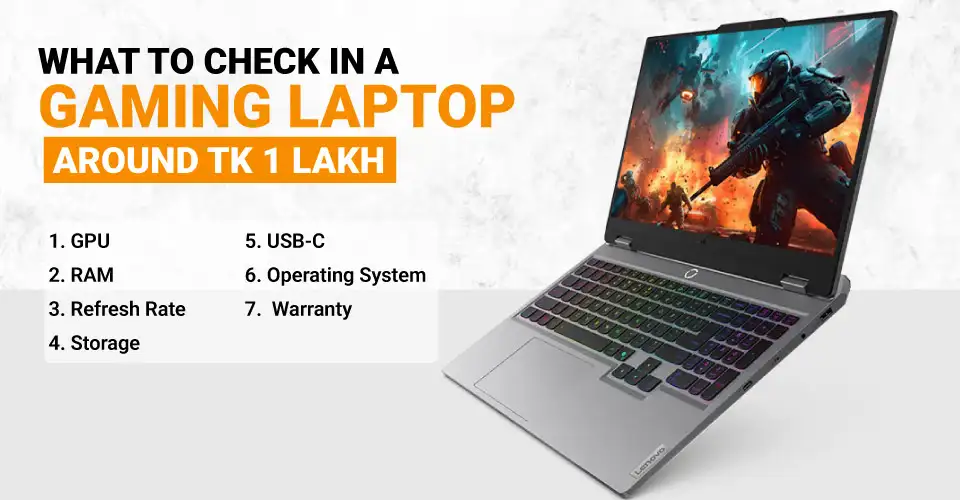
How to Choose a Gaming Laptop Around Tk 1 Lakh
Do not choose based on one specification.
1. Check the Exact GPU
“RTX” alone does not tell you enough. Check the full GPU model, VRAM and, where available, the laptop GPU power configuration.
2. Check Installed RAM and Upgrade Options
The Lenovo has 12GB installed, while the MSI has 8GB. Do not assume every variant of the same laptop family uses the same memory layout.
3. Check the Display Beyond Refresh Rate
A 144Hz refresh rate is useful, but brightness, panel type and colour coverage matter too. Lenovo's 300-nit, 100% sRGB specification is a good example of why the full display specification is worth checking.
4. Check Storage Expansion Before Buying
A 512GB SSD may eventually need an upgrade. Find out whether the laptop has an unused M.2 slot before assuming you can simply add another drive. MSI's A13UC has one M.2 NVMe slot.
5. Check What USB-C Actually Supports
USB-C can mean different things on different laptops. The Lenovo's USB-C is data-only, while the MSI supports DisplayPort through USB-C.
6. Include the Operating System in Your Budget
A laptop with FreeDOS may require a separate Windows licence and installation if Windows is what you want. The Lenovo includes Windows 11 Home, while this MSI configuration uses FreeDOS.
7. Check the Exact Warranty
The Lenovo listing carries a 2-year warranty with 1 year for the battery and adapter. The MSI Cyborg listing carries a 2-year international warranty with 1 year for the battery and adapter.
Who Is This Budget Best For?
Around Tk 1 lakh, these two laptops make sense for buyers who specifically want a laptop with a dedicated NVIDIA GPU rather than relying only on integrated graphics.
They also combine gaming hardware with processors suitable for general study, office applications and other everyday workloads. However, this guide deliberately avoids promising specific editing, rendering or gaming performance where exact benchmark data has not been verified.
If a particular professional application or game is important to you, check its system requirements and performance on the exact laptop configuration before buying.
Why Buy a Gaming Laptop from Ryans?
Ryans lists official or brand warranty on eligible gaming laptop models, EMI facilities on eligible products and selected bank cards, delivery support across Bangladesh, and Ryans Care for after-sales and technical support. For the two models in this guide, the product pages also provide their specific warranty terms. Always check the current product price, exact configuration and availability before placing the order because these can change.







Leave a comment