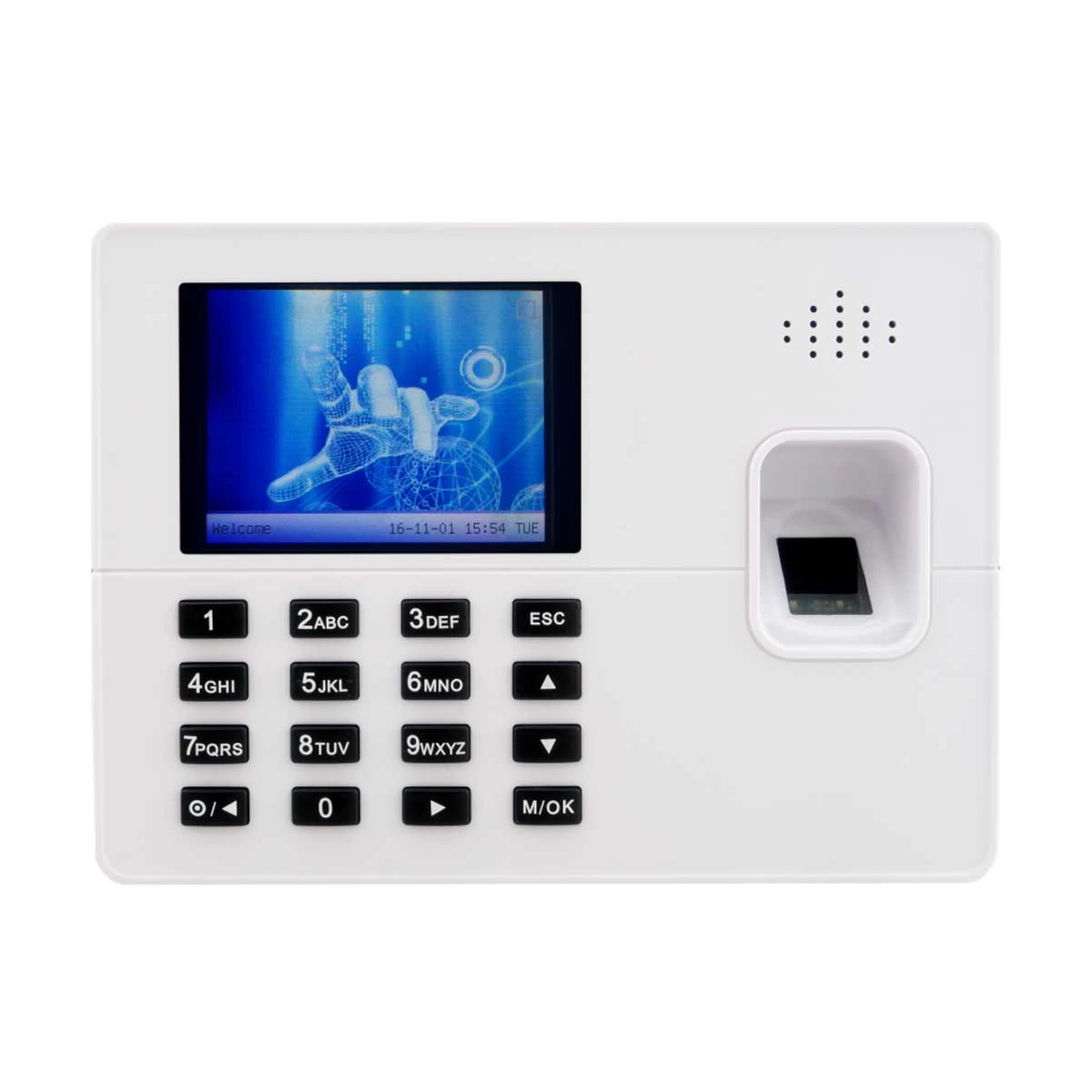
Features of ZKTeco K60 Access Control In Bangladesh
The ZKTeco K60 is a smart time and attendance terminal. It also works as an access control system. The device uses fingerprints for secure verification. It helps businesses manage employee records with ease. The design comes in a clean silver color. It is simple to set up and easy to use. The device is reliable and works well for daily operations. It is a great choice for small and medium-sized businesses.
Benefits and Features
The ZKTeco K60 has a 2.8-inch TFT screen. This screen shows fingerprint images and results clearly. It has a large storage capacity. The device can hold up to 3,000 fingerprints. It also stores 3,000 ID cards and up to 100,000 attendance records. The system is very fast. It verifies fingerprints in less than 0.5 seconds. It supports TCP/IP for smooth data transfer to a PC. It also has a USB port for backup and data sharing. An internal backup battery keeps it running during power cuts.
The terminal also supports access control features. You can connect it to an electric lock or an exit button. It has extra functions like Work Code, Short Message, and Scheduled Bell. These make it useful for different work environments.
Who It's For
The ZKTeco K60 is perfect for small and medium-sized offices. HR managers can use it to track employee hours. Office administrators can manage access easily. It is great for anyone who needs a simple and dependable security system.
Get ZKTeco K60 from Ryans Computers
The ZKTeco K60 is a practical and secure solution. It is fast, accurate, and easy to manage. The large capacity and backup battery are major advantages. This silver terminal is an excellent choice for both attendance and access control.
What is the price of ZKTeco K60 Access Control In Bangladesh?
The price of ZKTeco K60 Access Control starts from 7,000 . The price may vary due to your customization and product availability. You can buy ZKTeco K60 Access Control from our website or visit our showrooms nearby.
Looking to purchase office, corporate, or institutional equipment? Ryans Computers is here to help. We provide customized solutions tailored to your needs, backed by fast delivery and dependable after-sales service. Our expert Ryans Care team is always ready to support you with troubleshooting, technical assistance, and configuration services—so you can focus on what matters most.