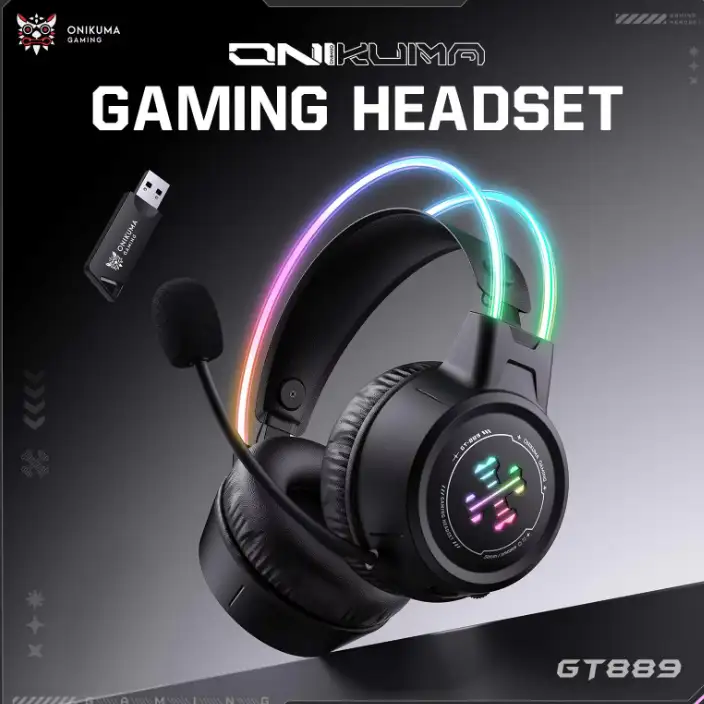
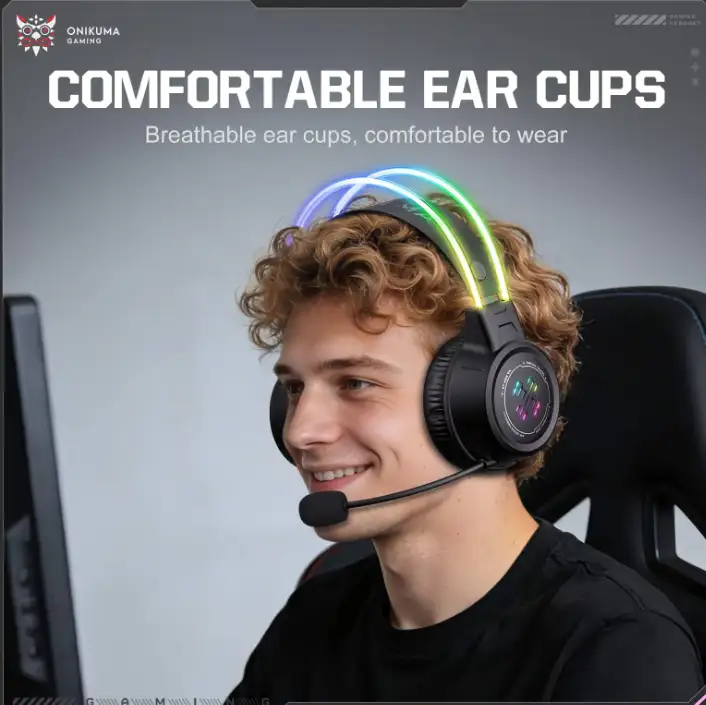
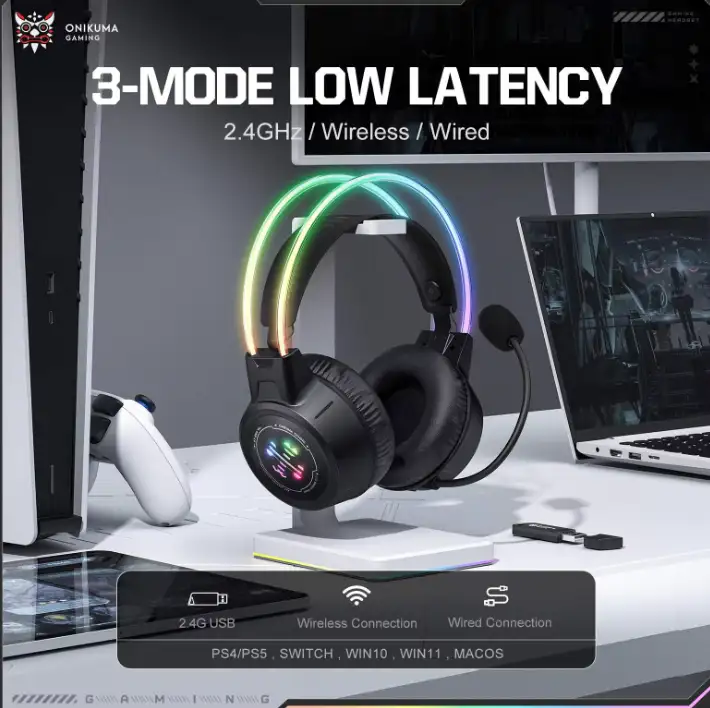
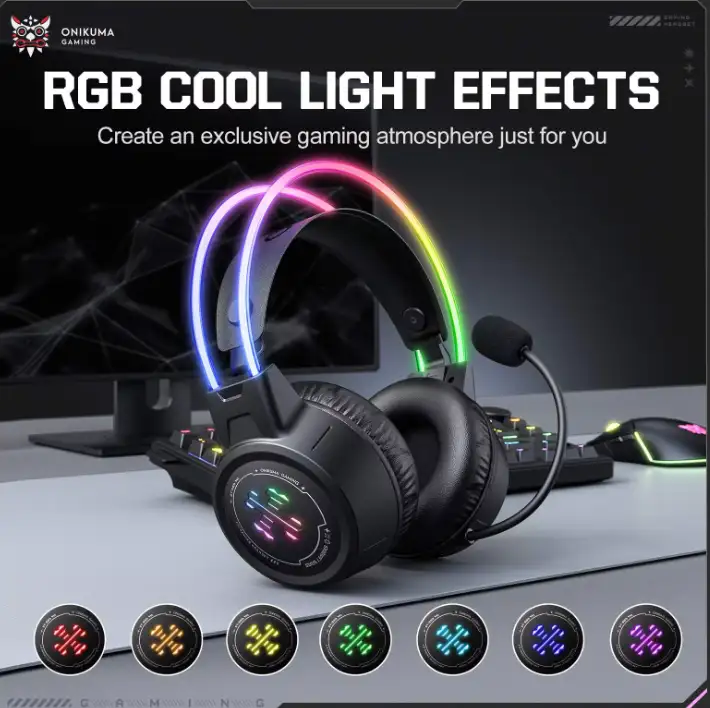
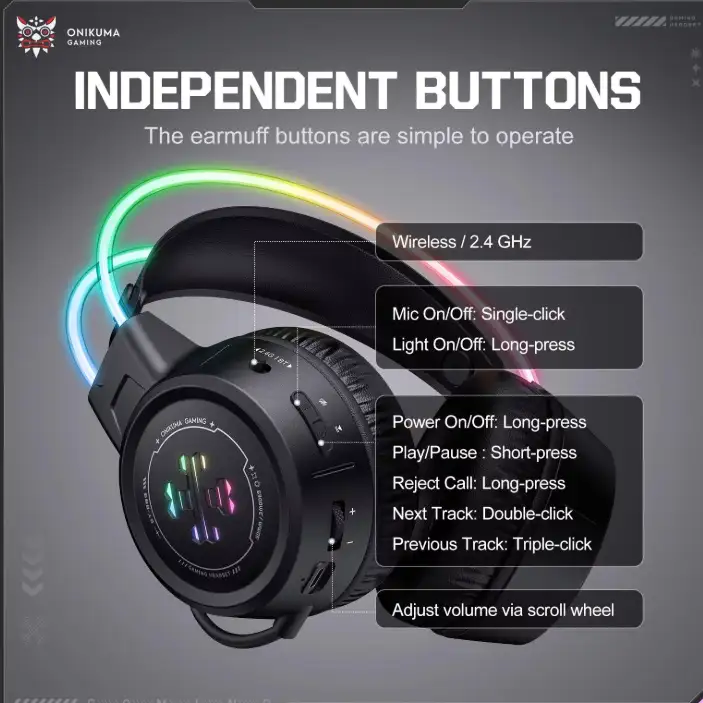
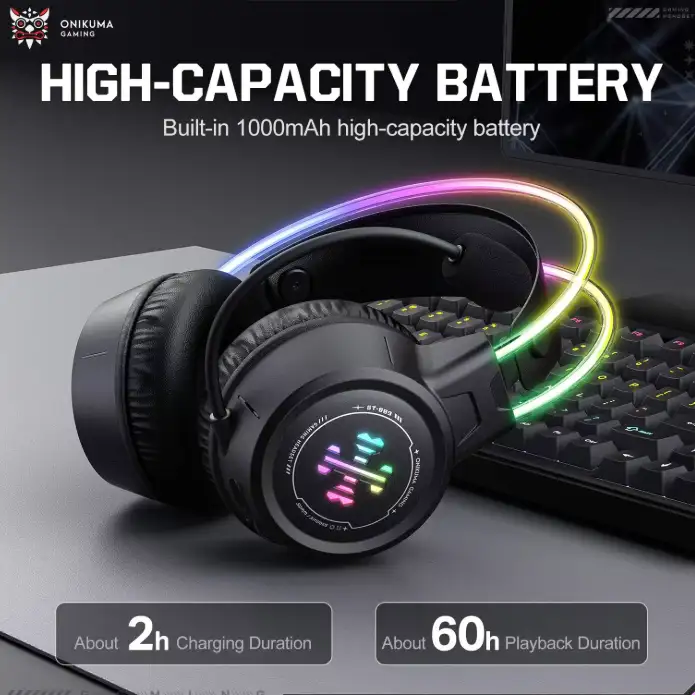

N.B. Image may differ with actual product's layout, color, size & dimension. No claim will be accepted for image mismatch. Product data used in this website is based solely on its manufacturer provided information, authenticity and accuracy are their responsibility only.
Product Id: 10.04.1020.90
N.B. Specification may differ with actual product. In that case, Ryans will execute full refund within 5 days.
Dear customer
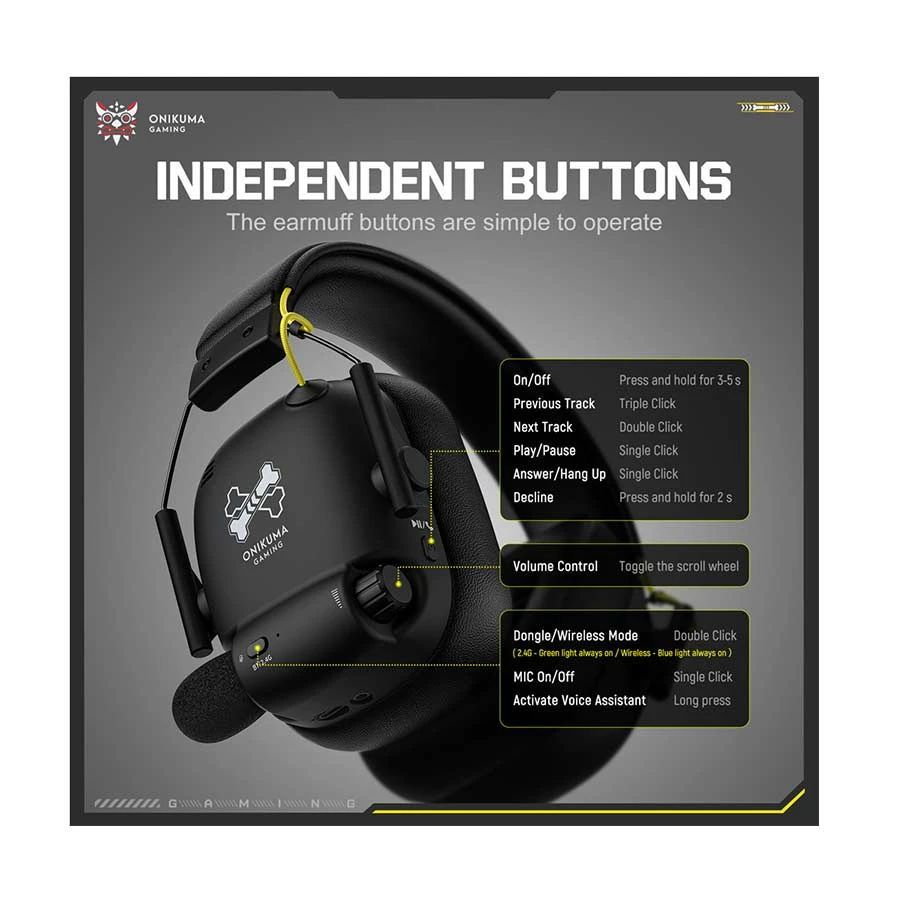
To turn on Bluetooth mode on your Onikuma GT888:
1.Disconnect the USB dongle from your PC/console.
2.Press and hold the Power button to turn the headset on.
3.Double-click the Microphone button (or the Light button on some versions) until you hear the "Bluetooth Mode" voice prompt.
4.Pair your device by selecting "GT888" from your phone or PC's Bluetooth menu.
For details, please contact: 16810, 09609016810
No reviews given yet.
Maono AU-AM200 Maonocaster Lite Portable All- ...
10.05.878.09
Tk 6,200
Maono AU-AM200 S1 Black Maonocaster Lite Port ...
10.05.878.10
Tk 7,700
Maono DM30 RGB Programmable Gaming Wired Micr ...
10.05.878.17
Tk 4,800
A4TECH BLOODY GS2 RGB Gaming Headphone Stand
10.17.056.61
Tk 2,450
Fantech TOWER II AC304 Black Headphone Stand
10.17.785.84
Tk 850
